How to protect important household documents from fire, flood, and power loss
Build a simple document system that keeps vital records usable when your home, filing cabinet, or internet connection is not.
June Wills was standing barefoot in the kitchen at 6:40 on a wet Tuesday morning when the basement alarm started chirping. A pipe had split near the water heater. The family file was downstairs, along with the passports, insurance papers, and the folder labeled "probably important" - which is not a filing system so much as a confession.
To protect important documents at home, keep the originals in a fire-resistant, water-resistant container above likely flood levels, maintain secure digital copies, and store a second copy outside the house. Check that you can access the digital files without household power or internet service.
The goal is not to build a bunker for paperwork. It is to make sure a birth certificate, insurance policy, or property record is still usable when you are tired, displaced, or working from a phone with 12 percent battery.
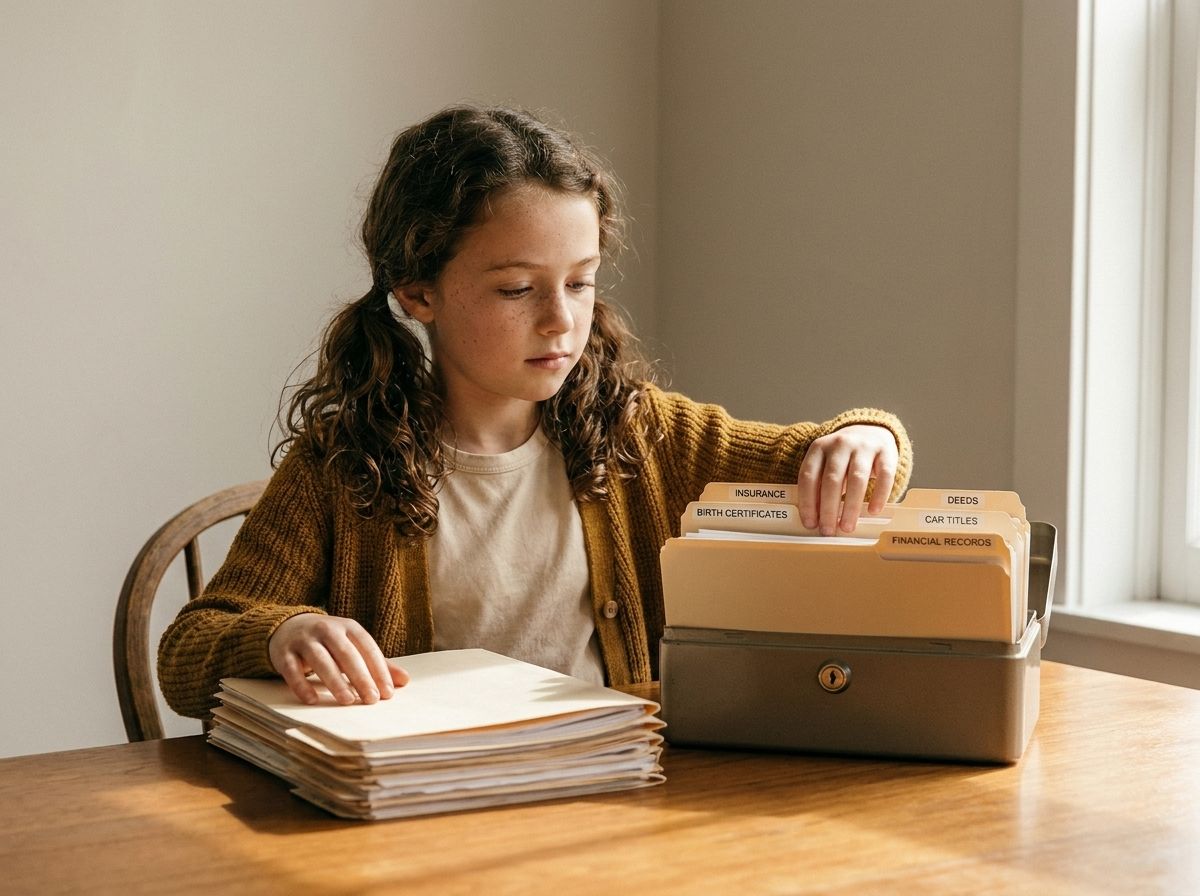
That morning, June and Sam moved the document box to the dining table. The papers were dry, but the folder was not organized. A school enrollment form sat beside a vehicle title, and an expired insurance card had somehow become the top page. Nothing was ruined, but finding the right record would've taken longer than anyone wanted.
That is the part people often miss. Protecting documents is not only about stopping water or heat. It is about keeping records easy to identify, retrieve, and replace when your normal routine has been knocked sideways.
Start with the records that prove who you are
You do not need to protect every piece of paper in the house equally. Start with records that establish identity, ownership, coverage, medical needs, or access to money.
A useful household document inventory includes:
- Birth certificates, adoption records, passports, and citizenship documents
- Social Security cards or equivalent identity records
- Marriage, divorce, custody, and guardianship paperwork
- Home, renters, auto, life, and health insurance policies
- Property deeds, leases, vehicle titles, and loan information
- Medical summaries, medication lists, allergy records, and advance directives
- Tax returns, account information, business records, and benefit documents
- Pet vaccination records, licenses, and ownership paperwork
This is where a short inventory beats a giant filing project. Write down the document name, who it belongs to, where the original is stored, and where the backup lives. You are creating a map, not auditioning for a records-management job.
A household profile helps here. List each person in the home and connect them to the records they may need. June might carry a passport and a medication list. Sam might need a work credential and vehicle title. The point is to notice gaps before a clerk, insurer, school, or hospital asks for a document you cannot find.
Keep a small "needs replacement" list as you go. An expired passport, a missing Social Security card, or an unsigned power-of-attorney form is not a storage problem. It is a document task. Give it an owner and a date.
How to store birth certificates safely
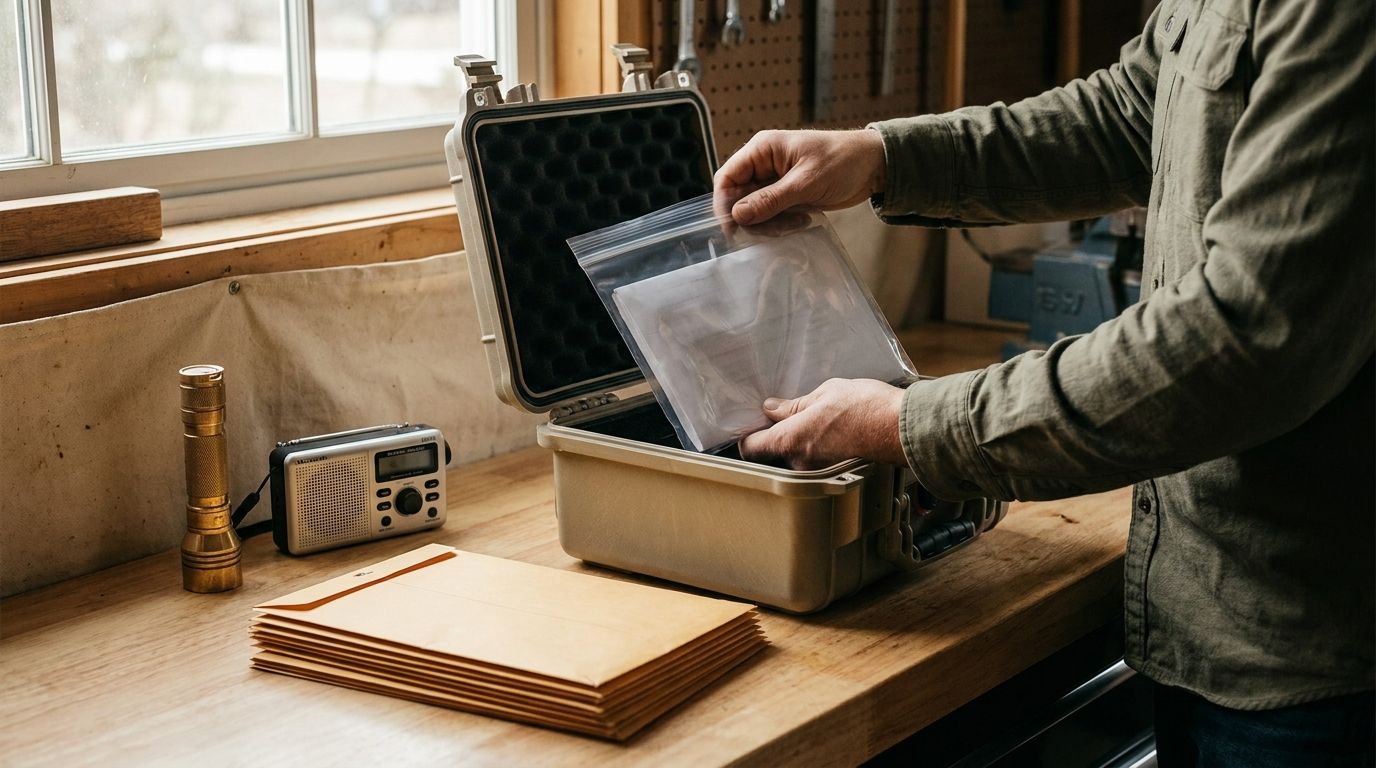
To store birth certificates safely, keep the original flat in a protective sleeve inside a locked, fire-resistant document container. Place that container above the lowest floor, away from pipes, windows, exterior doors, and areas where floodwater tends to collect.
Do not laminate a birth certificate unless the issuing authority specifically allows it. Lamination can interfere with security features and may make the record harder for an agency to accept. Use an archival-quality sleeve instead, and handle the document with clean, dry hands.
Make a high-resolution scan and save it in an encrypted digital location. A scan is useful for reference and replacement requests, but it may not substitute for the original when an agency requires a certified copy. Keep that distinction clear in your inventory.
Build physical emergency document storage that fits your home
"Fireproof" is not a complete answer. Containers carry different ratings, and the protection may apply to paper, digital media, or both, not always the same standard. A box designed for paper may not protect a flash drive or external hard drive from the same heat.
Read the product rating before you buy, or before you trust what you already have on the shelf. Look for these details:
- A tested fire-resistance rating for paper documents
- A water-resistance claim with a stated duration or test condition
- A locking method that works even if the key or combination is misplaced
- A size that holds folders flat without forcing pages into corners
- A weight and handle design you can move without hurting yourself
A small lockbox can work for passports and identity records. A larger safe may make sense for deeds, loan files, backup drives, and household records you want to keep together. If the container is too heavy to move, do not assume that makes it secure. A fixed safe needs proper installation and a clear access plan.
Place the container where you can reach it quickly. A safe in a damp basement is not a sound document plan. Neither is a box buried behind holiday decorations, spare paint, and the exercise bike that currently serves as a coat rack. (You know which room I mean.)
Choose a location based on the risks specific to your home:
- Keep documents off the floor and above known flood paths.
- Keep them away from water heaters, washing machines, sump pumps, and plumbing joints.
- Avoid garages or sheds that face wide temperature swings unless the container is rated for those conditions.
- Keep the key or access code in a secure location that another trusted adult can reach.
- Do not place the container beside fuels, chemicals, candles, or heating equipment.
A locked container is not useful if nobody knows it exists. Tell the trusted adults in your household where it is and how to open it. You do not need to share every password or financial detail. You do need a basic access plan.
Think about mobility, too. If you had to leave the house with ten minutes of notice, could you grab the document container? If not, keep a small "leave first" folder with copies of identity records, insurance information, medication summaries, contact numbers, and proof of address. Store it near a normal exit, but not in plain view from outside.
Make digital copies that still work when the power is out
Digital backups solve a different problem from physical storage. They help when a paper original is damaged, left behind, or hard to transport. They also fail when the device is dead, the account is locked, or the file is buried under photos of receipts from 2018.
Scan important documents in color at a readable resolution. Use clear file names that include the person, document type, and expiration date where one applies. A useful format is "Sam-Wills-passport-exp-2029-04.pdf." Plain names make searching faster when you are doing it from a small screen.
Store copies in at least two separate places, such as:
- An encrypted cloud storage account with multi-factor authentication
- An encrypted external drive kept outside the home
- A secure household document system with access for the adults who need it
- A trusted relative's secure storage, when the arrangement is appropriate
With Mainstay's document vault, you can keep the records that matter alongside your household profile and preparedness plan, so the documents do not live in a separate mental universe. The useful part is the connection: a household member, a vehicle, an insurance policy, and the task to update each one can stay visible together.
Do not photograph a passport or birth certificate and leave the image in your regular phone gallery. Your phone may sync it to services you did not intend to use, and anyone with access to the device may see it. Move the file into encrypted storage, remove stray copies, and protect the account with a strong password and multi-factor authentication.
Keep one backup available without internet service. An encrypted drive can hold copies of documents, but test that you can actually open them. A backup you have never tested is a very expensive guess.
Once every few months, check the digital set for these problems:
- The file opens and the text is readable.
- The scan includes all pages, including backs and attached seals.
- The account recovery method still works.
- The expiration dates match the physical records.
- The trusted adults still have the access they need.
Power loss changes the digital plan. Keep a charged power bank with the household supplies, and store the access instructions somewhere you can read without a printer or internet connection. You do not need a complicated technology stack. You need a working copy and a way to reach it.
Prepare for the claim, application, or replacement request
After a fire or flood, the document itself is only part of the work. You may need to prove what you owned, where you lived, what was damaged, and which agency or insurer should respond.
Make a household record sheet with the following information:
- Names and dates of birth for everyone in the home
- Current address and previous address if a recent move matters
- Insurance company names, policy numbers, and claim phone numbers
- Mortgage, landlord, utility, and vehicle account details
- Primary care contacts and medication information
- Trusted family or community contacts outside the affected area
- Instructions for replacing identity documents in your state or country
Keep this sheet in the physical document container and in the digital vault. Store a printed copy with the outside-the-home backup if that arrangement is secure. Add the date you reviewed it, because an old phone number can quietly become part of the plan without anyone noticing.
Photos can support an insurance claim, but take them in a controlled way. Photograph major belongings room by room, then store the images with a simple inventory of model numbers, purchase dates, and approximate values. You do not need a museum catalog. A clear record of the television, tools, appliances, and furniture beats trying to reconstruct everything from memory in a temporary hotel room.
Keep receipts when they matter. For higher-value items, save the receipt, serial number, warranty, and appraisal in the same digital folder. For ordinary household goods, a dated photo and basic description may be enough.
If a document is wet, do not scrub it, iron it, or set it directly on a radiator. Handle it by the edges, separate pages carefully, and contact the issuing agency or a document recovery professional for guidance. Mold can start quickly, so move damp papers to a cool, dry space and avoid sealing them wet inside a plastic bag for long-term storage.
If a document has been exposed to smoke, let it cool and dry in a clean area. Avoid sprays, bleach, and home remedies that can damage inks or security features. Photograph the condition before cleaning or discarding anything, especially if an insurer may need the record.
Set a routine you can actually keep
The best document system is the one you will check. Put a short review on the same calendar you use for insurance renewals, seasonal supply checks, or tax preparation.
A quarterly review can take about 20 minutes:
- Open the physical container and confirm the key records are present.
- Check passports, licenses, insurance policies, and registrations for upcoming expirations.
- Open the digital backup from a separate device.
- Confirm the household access plan still makes sense.
- Add new records and remove duplicates.
Once a year, replace the oldest storage media if it is showing wear, update account recovery information, and review who has permission to access the records. If someone moved out, lost access, or no longer needs a key, change the arrangement.
You can also keep a one-page "where things live" guide. It should name the physical container, the digital storage location, the outside-home backup, and the person responsible for reviewing them. Keep the guide free of full passwords. A location map is useful; a password list tucked into the same folder is an invitation to regret.
Permission to keep it simple matters. You do not have to scan every receipt tonight. Start with identity documents, insurance information, medical records, property records, and the household contact sheet. Once those are protected, the rest becomes a manageable series of small jobs.
FAQ
What is the safest place to keep important documents at home?
Keep original documents in a locked, fire-resistant and water-resistant container located above likely flood levels and away from plumbing, heating equipment, and exterior doors. Tell at least one trusted adult where the container is and how to access it.
Is a bank safe-deposit box better than a home safe?
A bank safe-deposit box can add off-site protection, but access may be limited by bank hours, holidays, outages, or account rules. Keep the documents you may need quickly at home, and consider off-site storage for originals or copies that do not need daily access.
How should I back up household documents digitally?
Scan each document clearly, use descriptive file names, and keep encrypted copies in two separate locations. Test that the files open, protect the account with multi-factor authentication, and keep one copy available without internet service.
What should I do if an important paper gets wet?
Handle it carefully by the edges, separate pages without forcing them, and move it to a cool, dry location. Photograph the damage, avoid heat and cleaning chemicals, and contact the issuing agency or a document recovery professional when the record is valuable or difficult to replace.
The Wills household did not need a perfect filing system that Tuesday. June needed to know where the passport was, Sam needed the insurance number, and everyone needed the basement problem to stay a basement problem instead of becoming a paperwork crisis on top of it.
That is a reasonable standard for your home, too. Pick one container, gather the records that prove identity and coverage, scan the essentials, and write down where the backups live. Then stop for the day. A calm, working system is built by returning to the next small task, not by making the first one heroic.
Want this handled automatically? See the Mainstay membership.
Subscribe to comment
Join the Mainstay newsletter to leave a comment — and get new field notes in your inbox.
Get new field notes in your inbox
Practical, calm preparedness — one useful note at a time.