The documents you’ll actually need: a one-page family file (printed + digital backup)
A one-page family emergency file that you can print and keep in your go-bag, plus a digital backup that stays current.
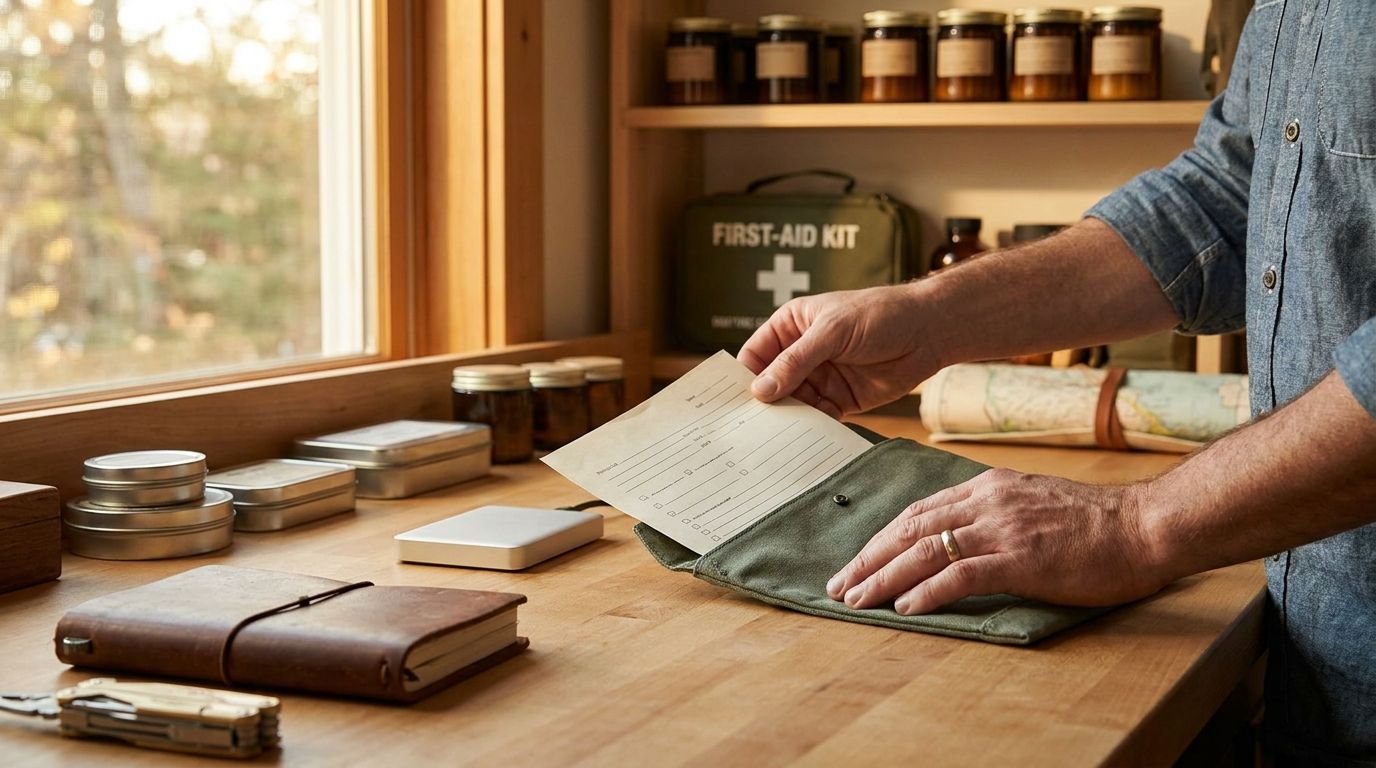
The documents you'll actually need: a one-page family file (printed + digital backup)
The moment you hear "Where are the papers?" from the hallway, you feel it in your stomach. You can stop that feeling by keeping one family file that answers the same questions every time: who, where, what to do, and how to reach the right people fast.
This guide shows you how to build a one-page family file with paper copies and a digital backup. It also uses a FEMA documents checklist-style layout so your records are easy to find when it counts.
And yes, you will actually use it. You are not building a binder. You are building a calm reference.
Build the one-page family emergency file first
Before you touch scanning apps or buy folders, you need the page itself. Think of it as the front door to your household plan. It should fit on one sheet of paper, stay readable in dim light, and cover the handful of details people always ask for.
Set up a single template with these blocks:
- Family basics: names, addresses, and primary phone numbers
- Household plan: where you meet, and where you go if you have to leave
- Medical snapshot: insurance info, primary doctors, and critical allergies/conditions
- Key accounts and access: where the policy and documents live, plus how to get to them
- Utilities and service shutoffs: who knows how, and where the map is
- Emergency contacts: out-of-area contact, plus work contacts for caregivers
Keep it simple enough to update in 10 minutes. If you have to rewrite paragraphs to maintain it, you will skip it. If it reads like a tax return, it will sit in a drawer until it is useless.
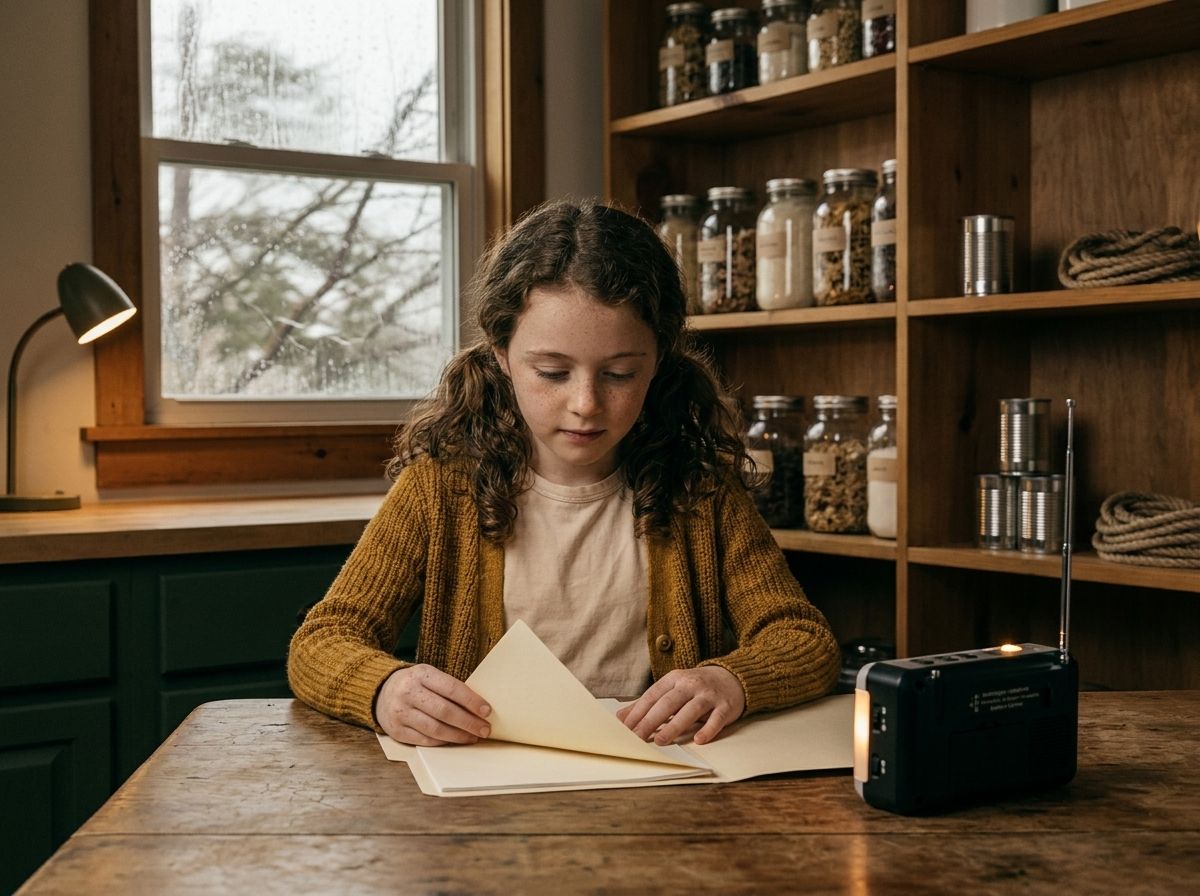
Here is a practical example. In the Wills household kitchen, June keeps a small stack of paper copies in a labeled envelope inside a drawer that is always open. During a late-night storm, Rosa grabbed that envelope, not because she likes paperwork, but because she could put her hands on it in the dark without thinking. That one-page file was the difference between searching and doing.
What makes this one page "actually usable"
The page should answer questions a non-expert would ask. That includes you, if you are stressed and your hands are shaking. Include:
- The exact address you use for mail (not just "the house on Maple")
- The location of your physical documents box
- The location of your digital backup
- The household meeting spot and a backup meeting spot
Because in a real situation, people do not want a story. They want the phone number, the address, and the next step.
Pick the FEMA documents checklist categories you can fit
You are not copying a whole FEMA binder onto paper. You are borrowing the FEMA documents checklist idea: group records into categories so you can find them quickly.
A good one-page family file points to where each category lives. You do not need every document listed line-by-line on the page itself.
Use these document categories as your guide:
- Identity documents: driver's licenses, passports, state IDs
- Family and household records: birth certificates, marriage certificates, adoption papers
- Insurance documents: homeowners, renters, auto, life, health
- Medical records and care instructions: prescriptions list, immunization records, caregiver instructions
- Financial records: recent account statements, credit cards, banking details
- Legal documents: power of attorney, guardianship papers, important court documents
None of this is mystery stuff. It is the normal paperwork you already have. The job is making it retrievable.
The paper copies part
Paper copies are for when screens fail. Dead battery, broken phone, no signal, or a family member who does not know your passcode. Simple reasons.
Your one-page file should say where the paper copies are stored, like:
- "Family emergency file: kitchen drawer envelope"
- "Original documents: lockbox in the hall closet"
- "Copies: folder labeled 'Emergency docs - copies'"
The digital backup part
Digital backup is for when you need to email, upload, or share quickly. A phone camera scan is fine, but only if you can find the files later.
Your one-page file should say:
- Where the digital backup is stored (cloud account name or device)
- How to access it (login method, plus the recovery email location)
- Who has access (one or two people, not the whole world)
A concrete scenario that shows why categories matter
Imagine Sam Wills is away for work and Theo is at a friend's house when a local evacuation notice goes out. Rosa has the one-page family file. It tells her where the medical snapshot is and which folder holds the insurance cards and prescriptions list. She does not need to recall every detail. She follows the page.
That is the point. The page reduces memory load.
Make paper copies that survive real life
Paper is not fragile. Your system is fragile. A loose stack in a drawer is a paper idea, not a paper copies plan.
Design your paper copies storage the way you design tool storage. Label it. Contain it. Protect it from the usual hazards.
Use a simple physical layout
A calm setup uses two layers:
1. A one-page family emergency file for quick reference
2. A contained folder or envelope for actual documents and copies
Keep the reference page where you grab it fast. Keep the folder where it is protected but still accessible.
Here is a practical, low-drama setup you can copy:
- Envelope A: "Family emergency file - one page" (inside a kitchen drawer)
- Folder B: "Emergency documents - copies" (inside a lockbox or fire-resistant container)
- Bag C: "Go folder" (small clear pouch or zip bag inside a car bag or go-bag)
What to put in the folder
Include paper copies of the documents you would need to prove identity, get care, and handle insurance questions. Common items people forget:
- A list of medications with dosages and prescribing doctor
- A one-page allergy and medical conditions sheet
- Copies of insurance cards (health and dental if relevant)
- A current photo of household members who need it for identification
You do not need every document you own. You need the ones that cut delays.
Labeling that works when you are tired
Labeling is the difference between "I know where it is" and reading folders in a panic. Use:
- Large text labels
- Clear folder titles
- Dates on the back of the folder (update date)
If your household is anything like most, you will update this file more than once. A date prevents the classic problem: "Which copy is the right one?"
A note about research and handling
The Federal Emergency Management Agency emphasizes having important documents organized and easy to access. That matches what people see in practice: when documents are grouped and accessible, families spend less time searching. Your system should support quick retrieval, not perfection.
Create a digital backup that you can actually open
Digital backup fails in two ways: the files are scattered, or access is unclear. You fix both with a single folder structure and a simple access note.
Use one folder name and one location
Pick one place for your emergency document scans. Examples:
- A dedicated folder in your cloud storage account
- A folder on a home computer plus an offline drive copy
- A combination where the cloud holds the newest scans and the offline drive is the backup
Your one-page file should point to the exact location. If you write "in the cloud," you are guessing later.
Scan quality rules that prevent headaches
When you scan:
- Use the highest resolution your scanner app supports
- Ensure the entire page is visible, including edges
- Keep file names consistent, like "Insurance - Health - 2026"
- Save as PDF for documents and JPEG for photos
They do not need to be beautiful. They need to be readable.
Add an access note that is not hidden
In the digital folder, include a "README - access instructions" file. It should list:
- Which account holds the folder
- How to sign in
- Where the recovery email is stored
- Who can access it if your phone is lost
Keep the access note short. Long, and it gets ignored.
Digital backup example from a real moment
One afternoon, Rosa Wills took photos of Theo's prescription bottles after a doctor visit and uploaded them into the emergency documents folder with the month and year in the file name. Later, when a pharmacy asked for details, she forwarded the file in minutes instead of digging for the original bottle. That is what digital backup is for: speed and less searching.
Put it together with a simple update routine
A one-page family file only works if it stays current. The goal is not to update it every day, but to update it when something changes.
Use these triggers instead of a calendar fantasy
Update your emergency documents when any of the following happens:
- You get a new insurance card
- A doctor changes prescriptions or dosages
- A household member moves or changes phone numbers
- You renew a passport or driver's license
- You change your go-bag location
You can also do a lightweight check on a predictable schedule, like when you rotate batteries or run your household inventory audit.
The "10-minute proof" test
Once you build your paper copies and digital backup, run the test.
Pick a calm moment. Then do this:
- Find the one-page family emergency file
- Open the folder with copies
- Look up the digital folder location
- Confirm you can open at least one scanned document
If you cannot do it quickly, the system is not ready.
How Mainstay's adaptive learning system fits
With Mainstay's adaptive learning system, you can keep your family file aligned with your actual household routines. The point is consistency. You are not building a new chore. You are building a reference that stays attached to how you already manage supplies and plans.
A scenario that proves the system works
During a winter storm, June Wills found the envelope, pulled out the one-page file, and called the out-of-area contact. The page listed the number and the meeting location. Then Rosa used the folder to copy insurance card details for a clinic intake. That chain happened because the page told them where to look.
That is the steady household goal. Not fear, not drama. Just a system that works.
Common mistakes that break emergency documents systems
Most failures are boring. They are storage problems, not planning problems.
Here are the mistakes that show up again and again:
- Paper copies are in three different places
- Digital scans exist, but the login is forgotten
- File names are inconsistent, so you cannot find the newest version
- The one-page file is missing the address or phone numbers
- The folder is too large, so people stop grabbing it
Fix each mistake with one small adjustment
You can fix this without starting over:
- Consolidate: one folder for copies, one folder for scans
- Name consistently: "Category - Name - Year"
- Add the access note: README in the digital folder
- Put the address and phone numbers on the one-page file
- Keep the folder focused: copies of what you need most
What about "original documents"?
Originals matter, but they do not need to be the only thing you protect. Paper copies reduce risk. A lockbox or fire-resistant container is useful for originals, while copies give you flexibility.
If space is limited, prioritize copies for most daily needs and keep originals protected. Your one-page file should tell you which is which.
A quick reality check about disasters
Some events give warning. Some do not. Your system should hold up when you have minutes, not hours. That is why the one-page file is the front end of the plan.
If you do one thing after reading this, do the page. Then build the paper copies and digital backup around it.
FAQ
What should be on a family emergency file page?
Include household basics (names, address, phone numbers), meeting location details, emergency contacts, medical snapshot information, and where paper copies and digital backup are stored. Keep it readable and updated, not exhaustive.
Where should I store paper copies of emergency documents?
Store paper copies in a contained folder or envelope in a predictable location, plus keep the one-page reference page in a faster-to-grab spot. Many households use a kitchen drawer for the reference page and a lockbox or fire-resistant container for copies.
What documents should I scan for digital backup?
Scan identity documents, insurance cards, and medical records that reduce delays during care. Add a medication list with dosages and prescribing doctor details. Save everything in a consistent folder structure with readable file names.
How often should I update the family emergency file?
Update it when key information changes, like insurance cards, prescriptions, or phone numbers. Then run a 10-minute proof test occasionally to confirm you can find the paper copies and open at least one digital scan.
Do I need both paper copies and digital backup?
Yes. Paper copies work when phones fail or access is unavailable. Digital backup helps when you need to share documents quickly with clinics, landlords, or insurers. The two together reduce the most common points of failure.
Next step: make the one-page file today
Grab one sheet of paper and write your family emergency file using the blocks in the first section. Put it where you can reach it in under 10 seconds, then build the paper copies folder and the digital backup folder around that page.
When you finish, do the 10-minute proof test once. You will know the system works before you need it.
Want this handled automatically? See the Mainstay membership.
Subscribe to comment
Join the Mainstay newsletter to leave a comment — and get new field notes in your inbox.
Get new field notes in your inbox
Practical, calm preparedness — one useful note at a time.